Foil
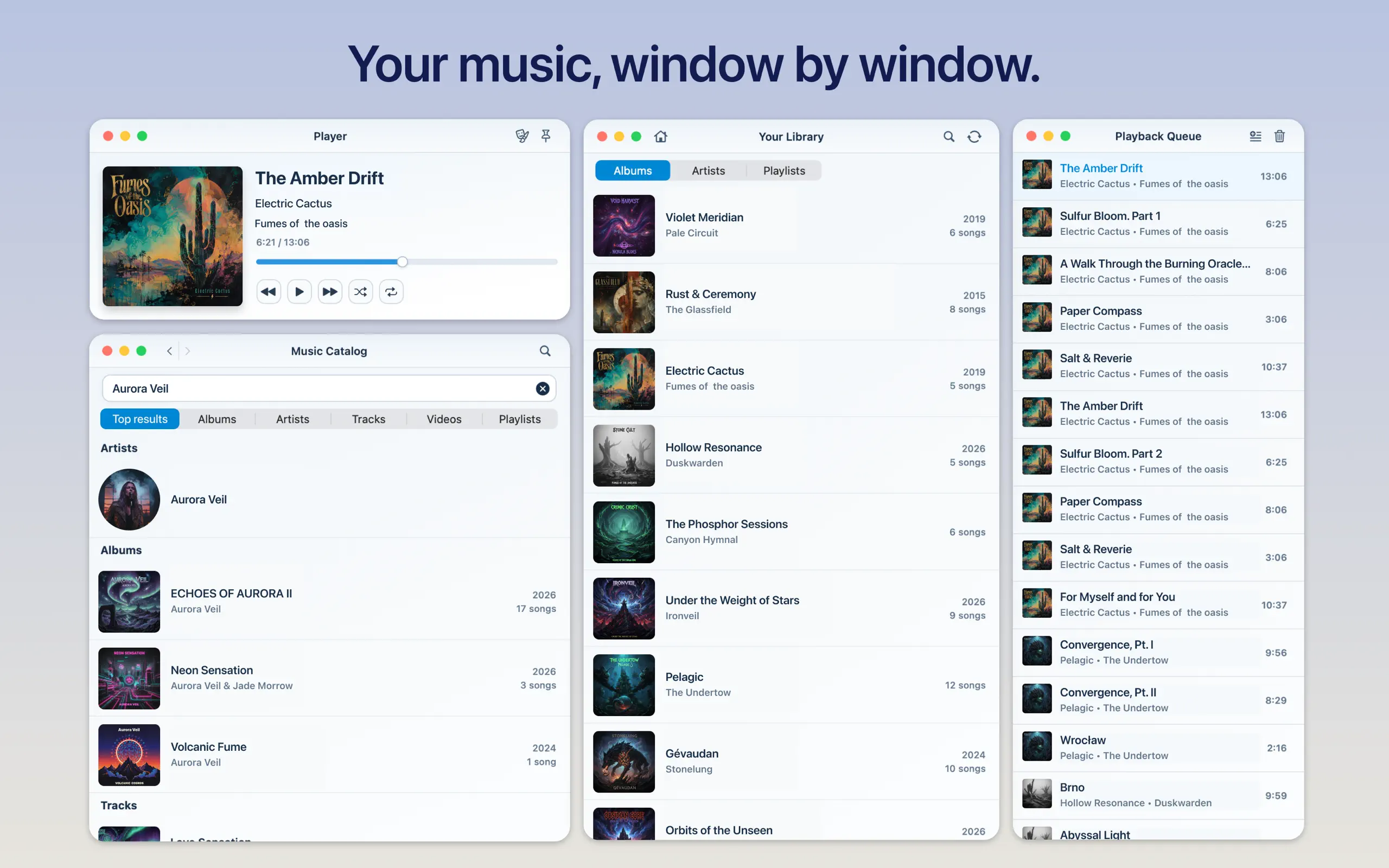
Experience Apple Music as a true multi-window workspace. Keep your player, queue, catalog, and library open in separate windows and arrange them your way.

Overview
Your Apple Music workspace, arranged your way
Foil gives Player, Current Queue, Music Catalog, and Your Library their own focused windows, so you can arrange a listening workspace that fits your desktop.
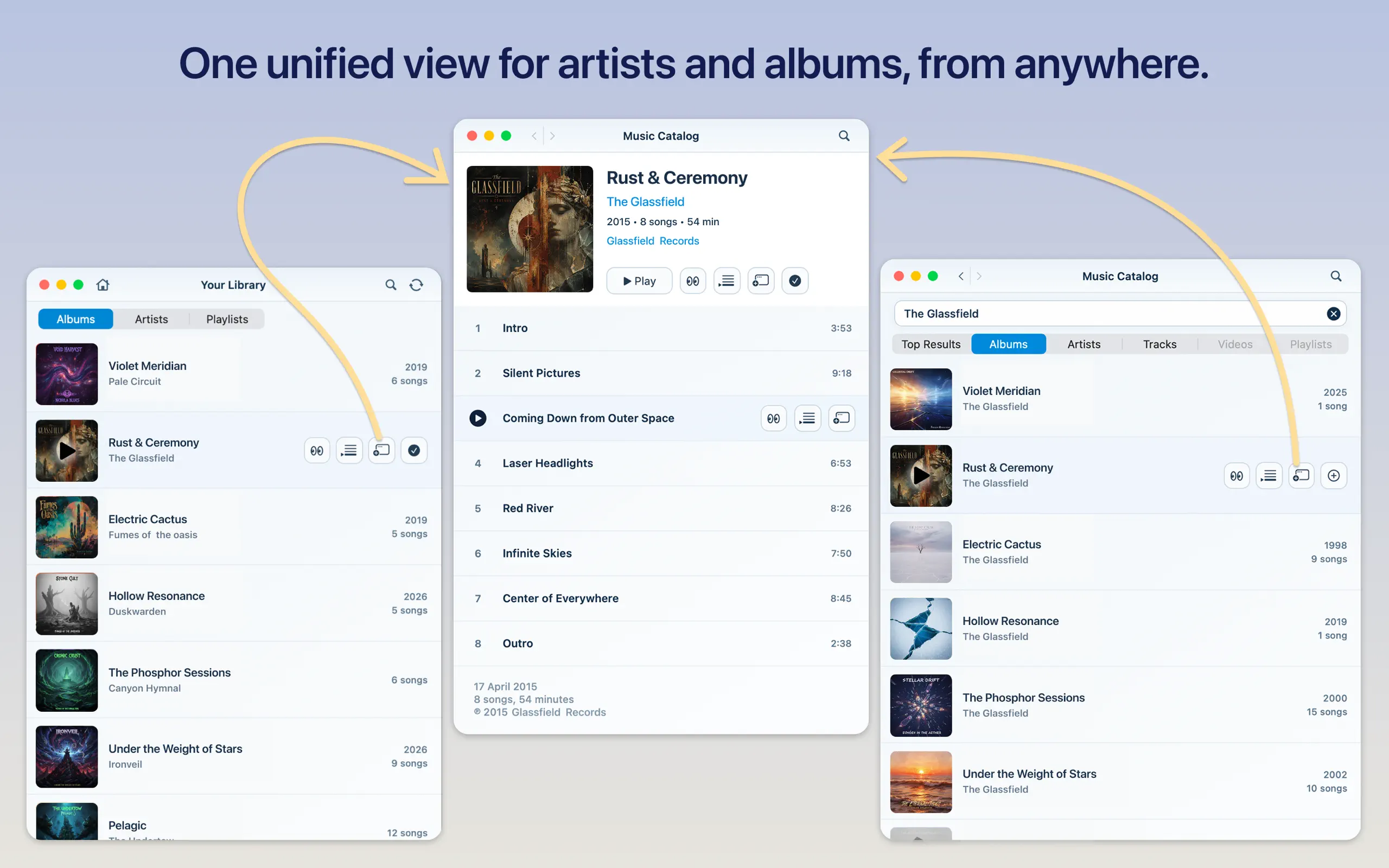
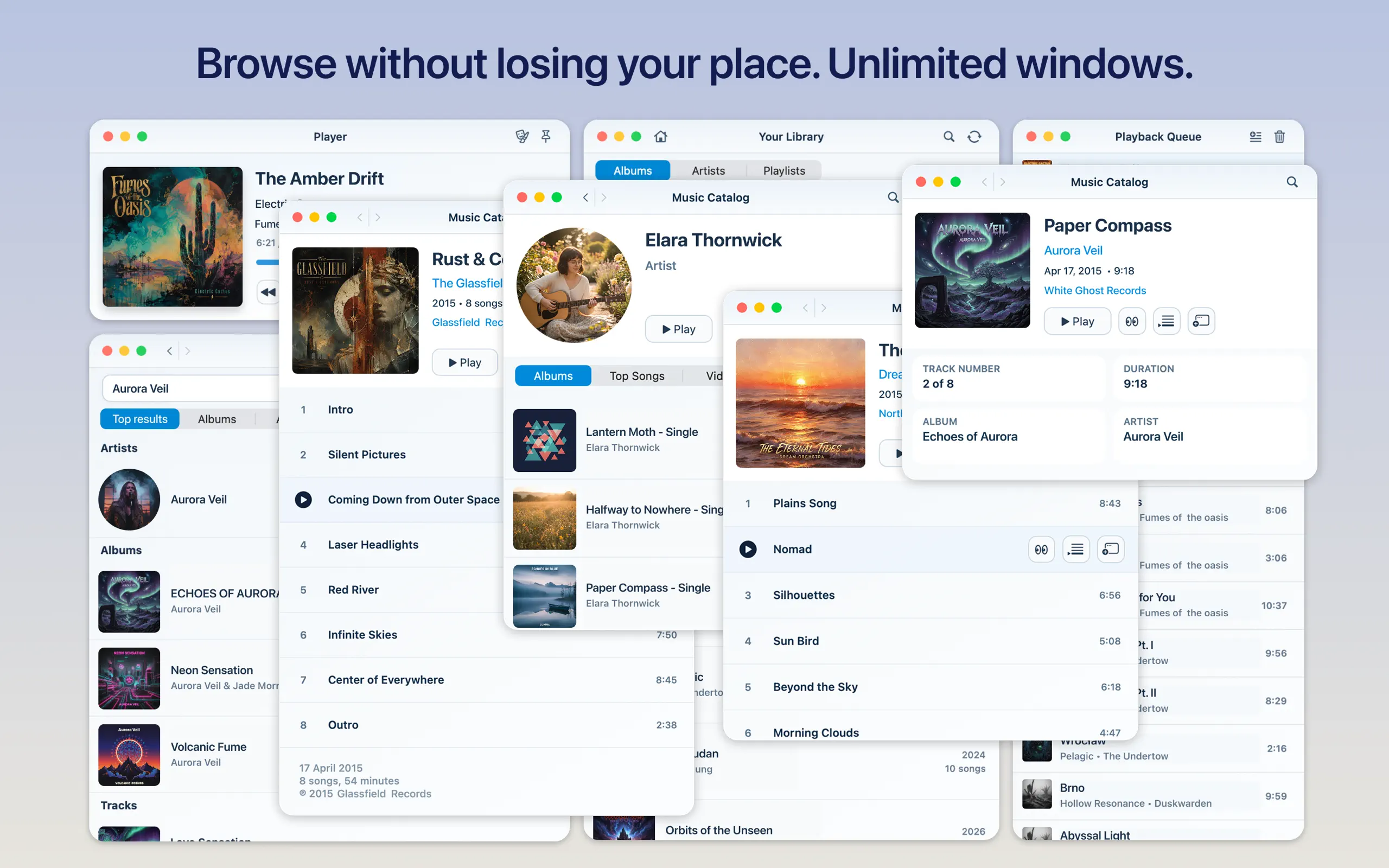
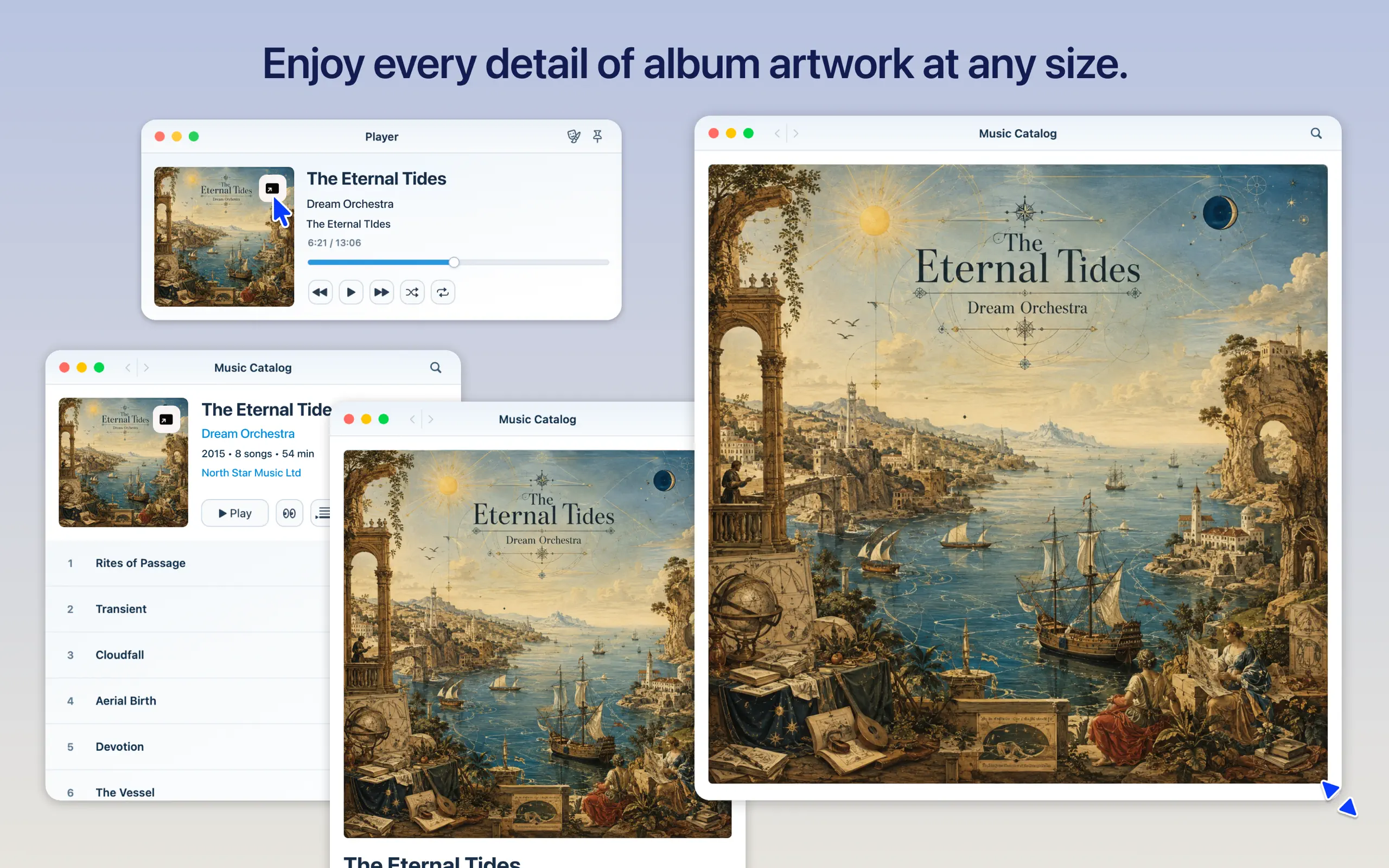
Keep playback visible while you browse. Search the Apple Music catalog, explore albums and artists, open multiple catalog windows, and move between your saved albums, artists, and playlists without losing your place.
See Foil in action
One Apple Music workspace, as many windows as you need
Keep playback and the queue visible while you move freely between your library, the Apple Music catalog, album artwork, and music videos.
Features
Focused windows for every part of listening
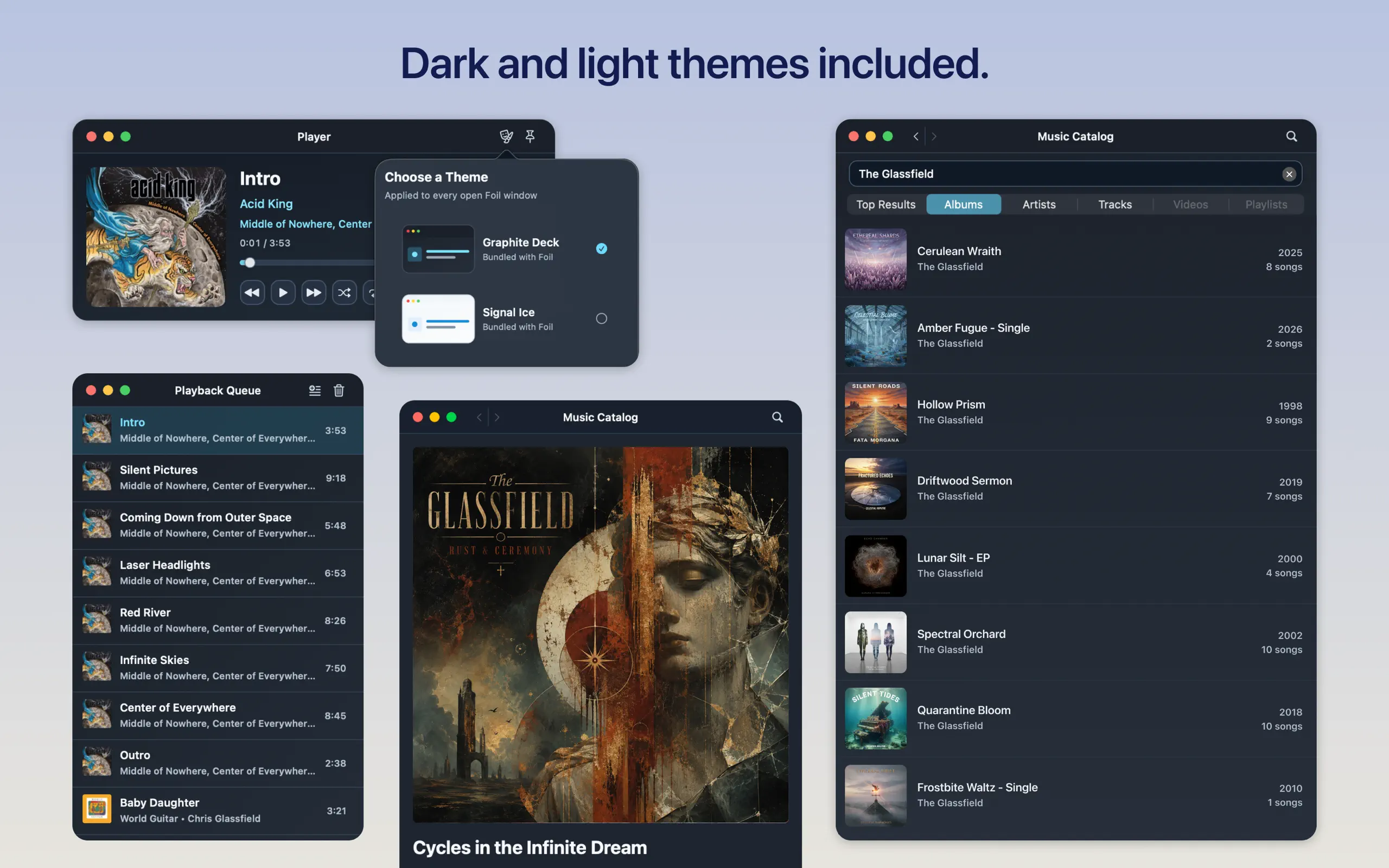
- Separate windows for Player, Current Queue, Music Catalog, and Your Library
- Open additional catalog windows for parallel browsing
- Restore your listening workspace when Foil launches
- Search and browse albums, artists, tracks, music videos, and playlists
- Explore your Apple Music library by album, artist, or playlist
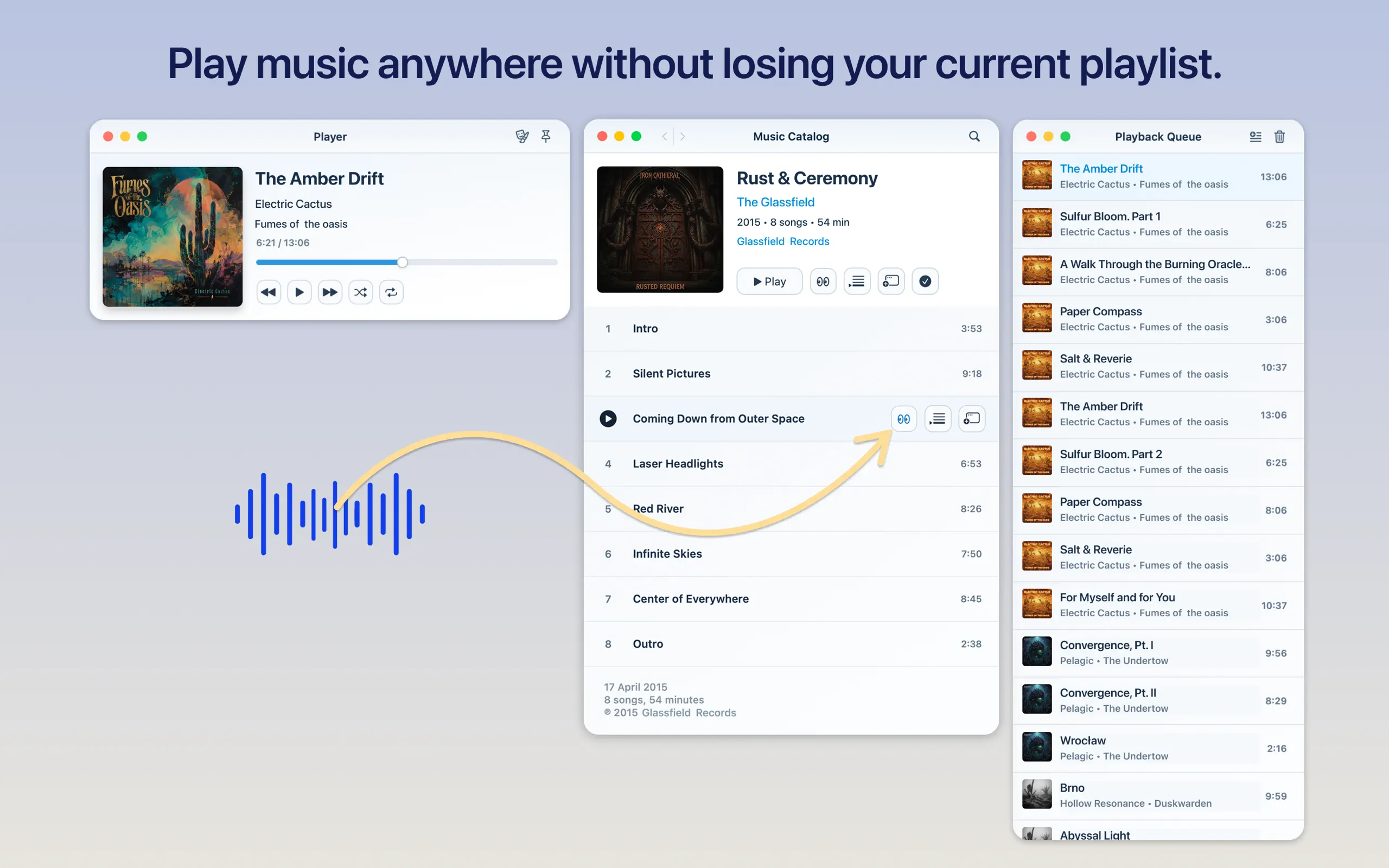
- Keep browsing while playback and the queue remain visible
- Play now, play next, or add music for later
- Start playback without clearing or replacing your existing queue
- Reorder, remove, or clear queue items
- Create a playlist from the queue or add tracks to an existing playlist
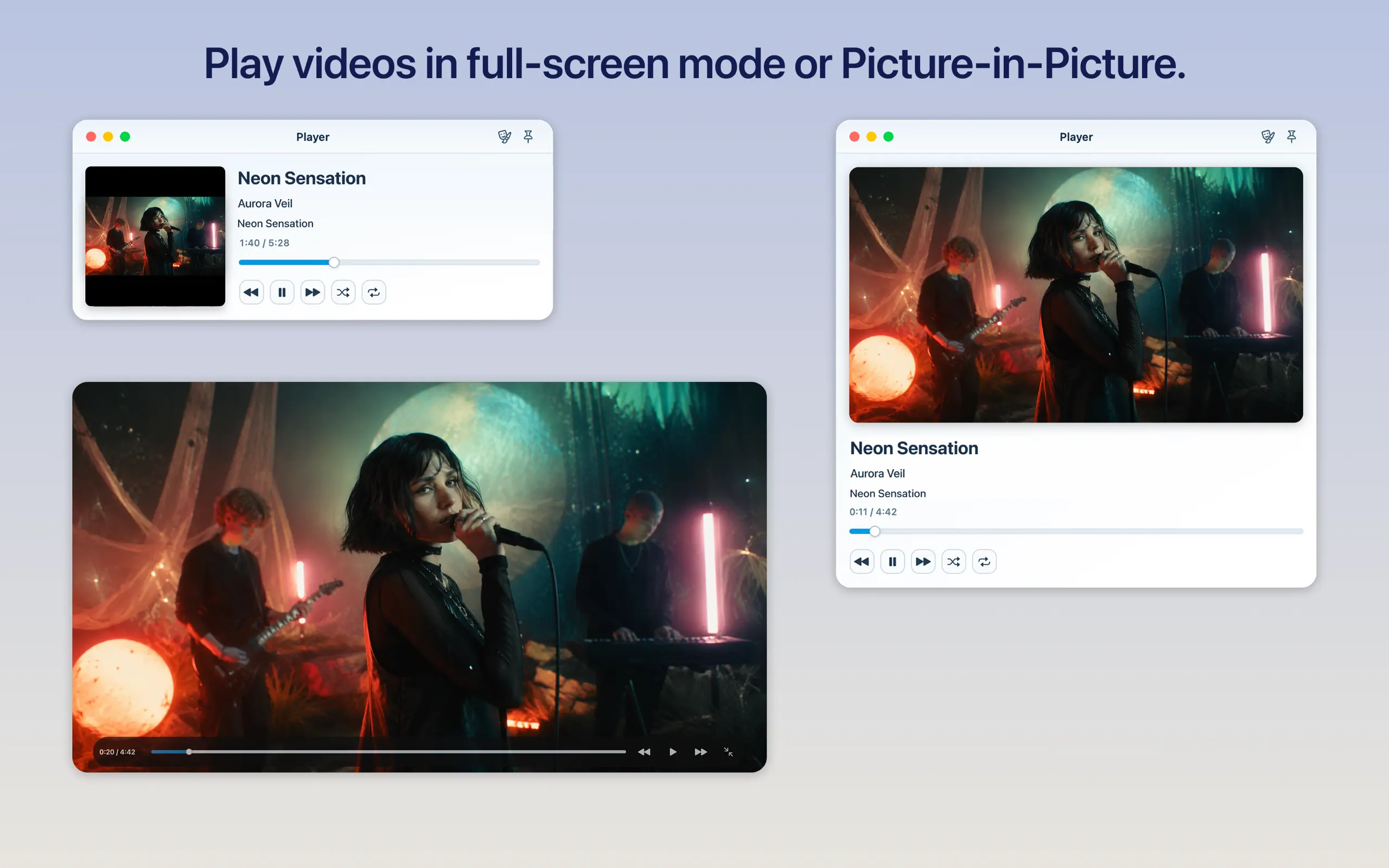
- Play songs, individual music videos, and video playlists
- Watch video in full screen or Picture in Picture
- Continue browsing your library and catalog while video plays
- Use familiar play, pause, skip, shuffle, repeat, and progress controls
- Choose between two built-in appearances
Free, without tracking
Listen without distractions
Foil is free and contains no advertising, analytics, or third-party tracking.
Requirements
Apple Music required
An active Apple Music subscription, Apple Music authorization, and an internet connection are required. Catalog and feature availability, including music videos, may vary by country or region, account, and subscription.
Foil is an independent app by Bender Bureau OÜ and is not affiliated with or endorsed by Apple.
Privacy
Your data stays private
Foil does not collect, transmit to Bender Bureau OÜ, sell, or share personal data. The app contains no advertising, analytics, or third-party tracking.
Visit Foil Support for troubleshooting, contact information, and product help.