Sound Widget Pro
Your Mac's audio devices, right on your desktop. Switch speakers, headphones and microphones with interactive widgets, then get back to what you were doing.

Overview
Audio switching that fits your desktop
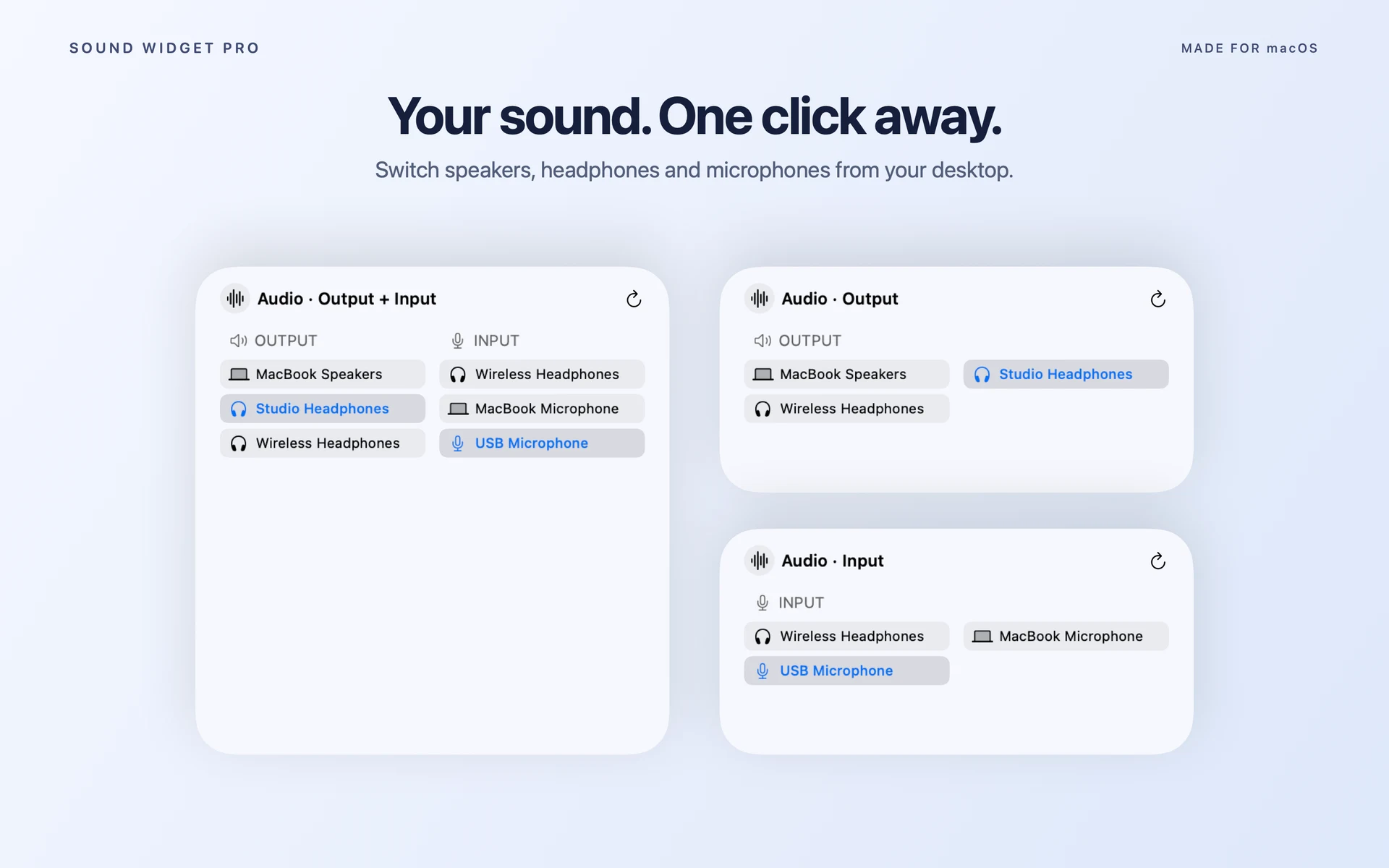
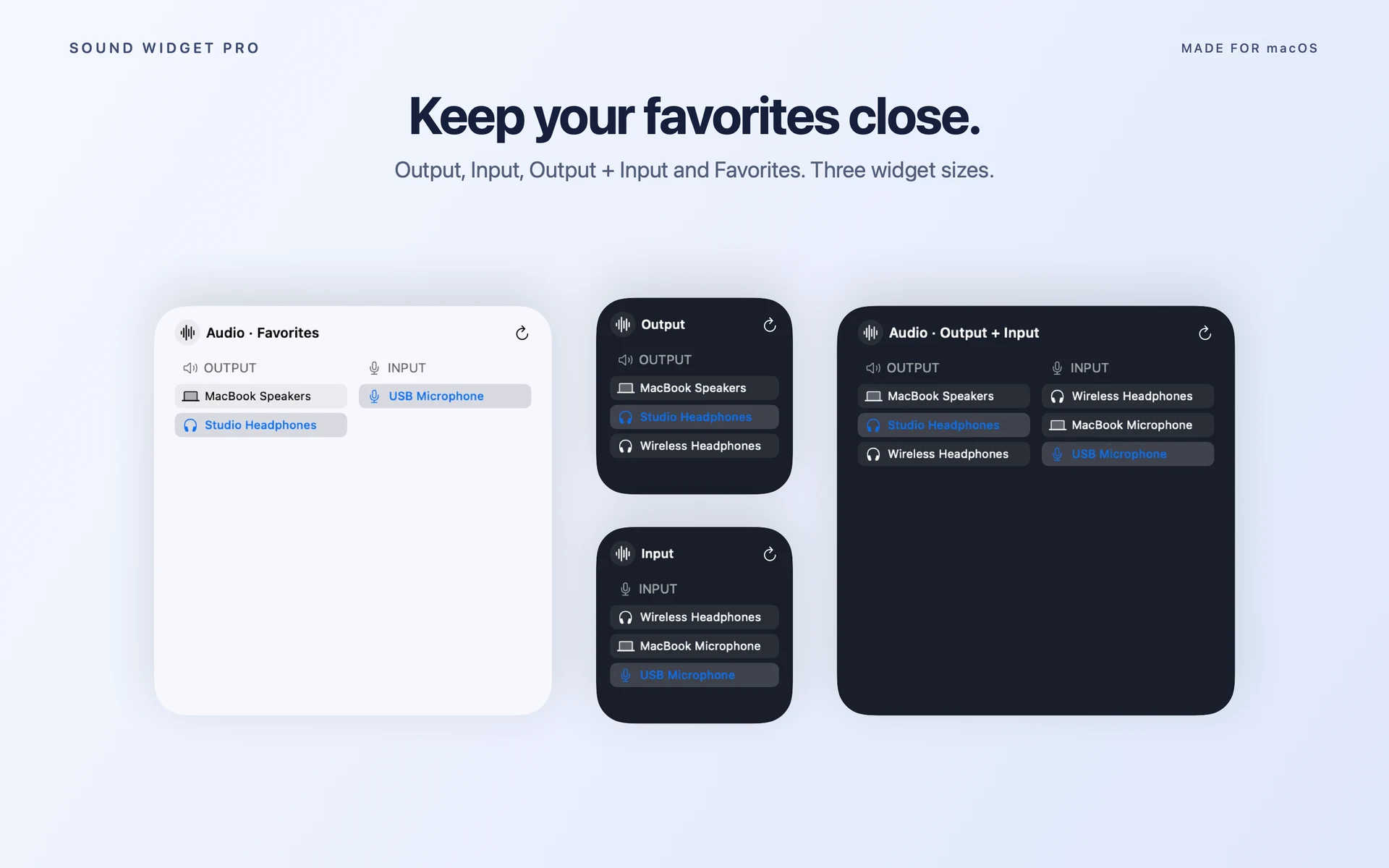
Keep the devices you use most within reach. Choose a compact Output widget for headphones, a dedicated Input widget for calls, or combine both directions in one place. Favorites keeps your starred shortcuts together.
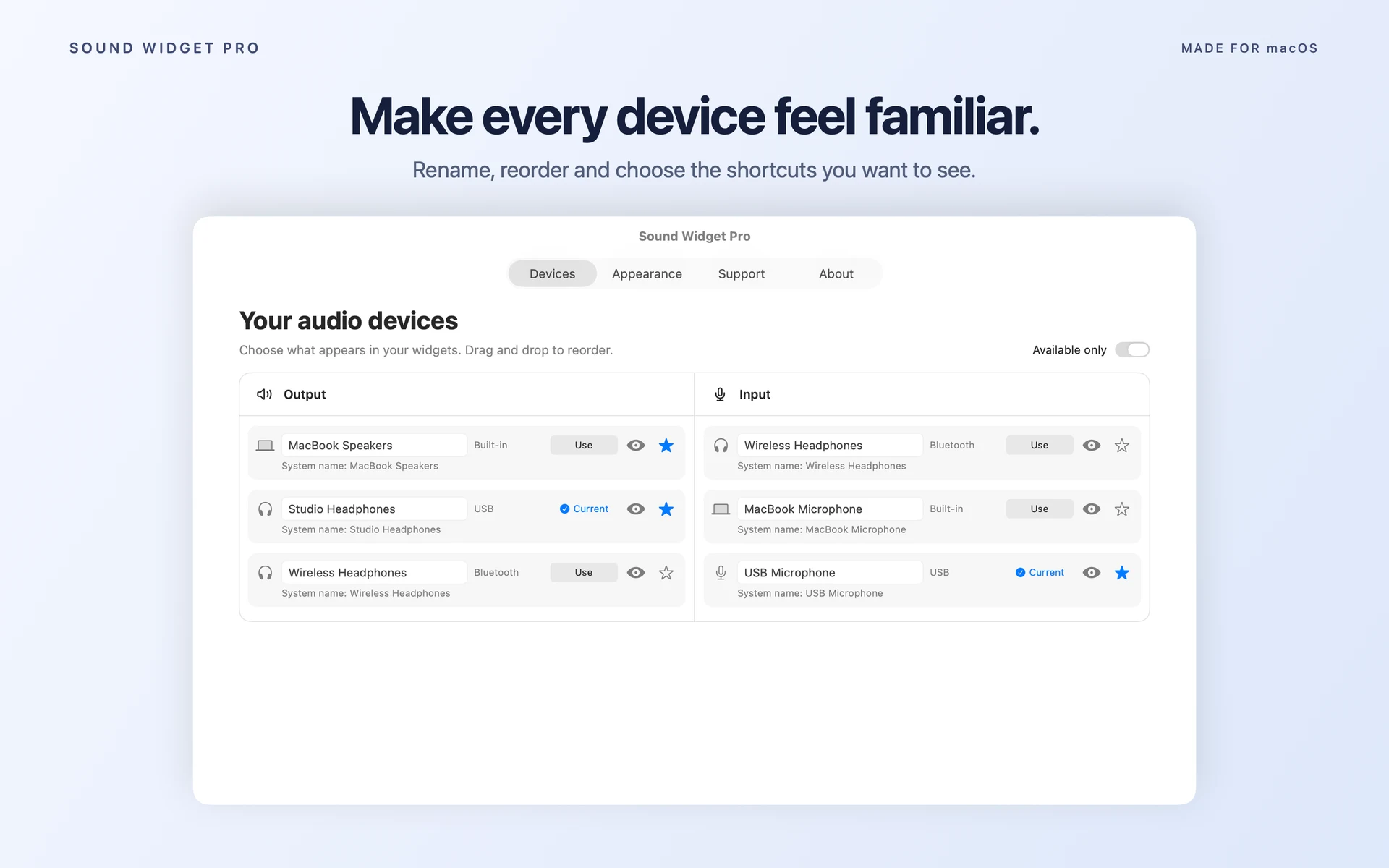
Set up your names, order and appearance once. The configuration app can then be quit while you continue switching from your widgets.
See it in action
Your devices, arranged your way
Features
A shortcut for every setup
Four widget modes
- Output, Input, Output + Input and Favorites
- Small, medium and large sizes
- Independent input and output selection
Your shortcuts
- Rename devices and drag them into your preferred order
- Show, hide and star devices
- Choose an optional device subset for each widget
- Page through longer device lists
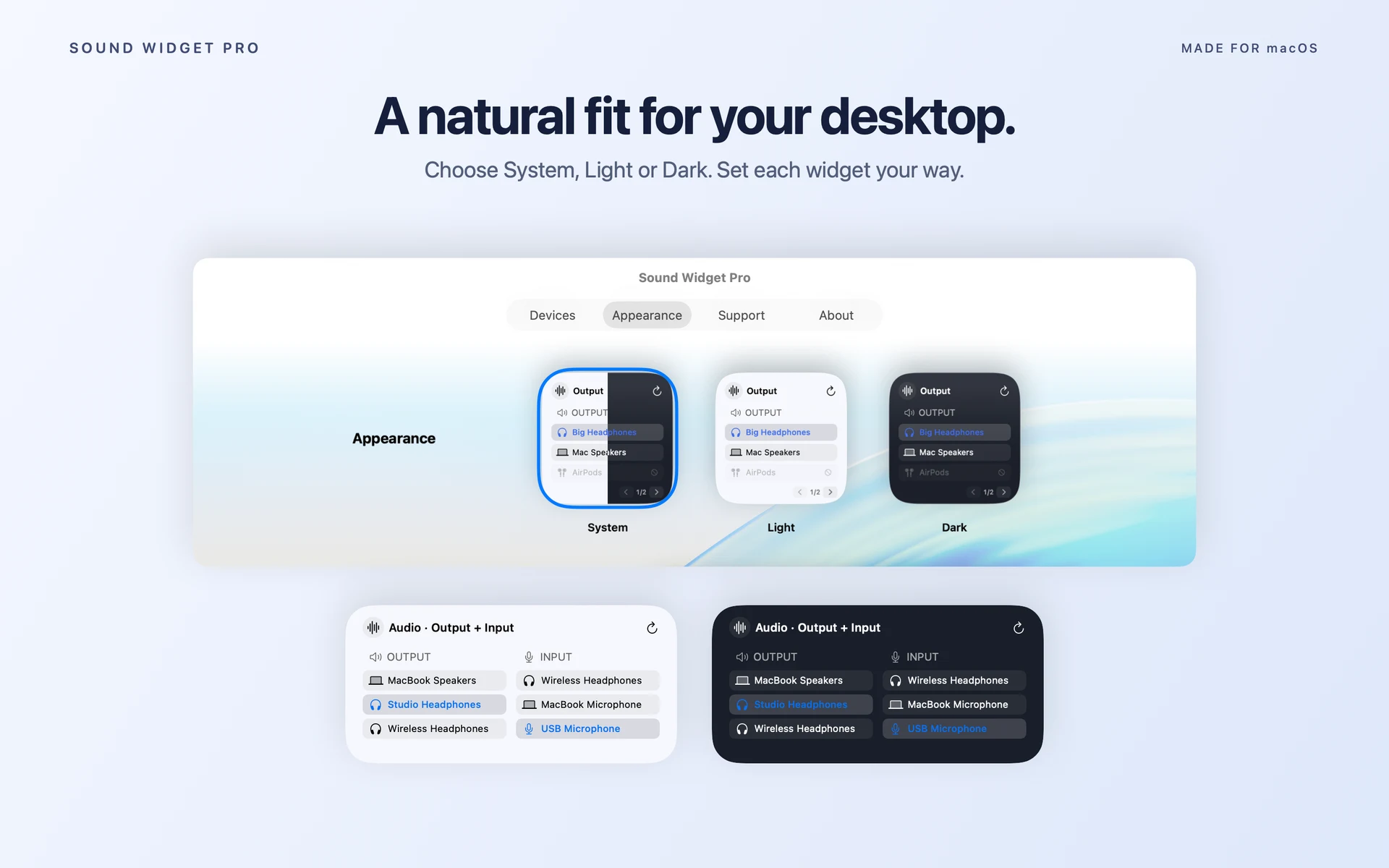
Your appearance
- System, Light and Dark themes
- A shared default or an individual widget appearance
- Current devices highlighted from fresh audio state
Ready after setup
- An illustrated guide to adding your first widget
- Switch devices after quitting the configuration app
- Background observation requests updates when devices or routes change
One purchase
Every feature included
Sound Widget Pro is a paid Mac App Store download, with no subscriptions, in-app purchases or account to create. See the App Store for current pricing in your region.
Requirements
Made for macOS 14 and later
Supports Macs with Apple Silicon or Intel processors. Devices must be connected and available to macOS. Sound Widget Pro changes the default input and output; apps with their own audio routing may need a separate adjustment. The system-sounds output is unchanged.
Background observation is registered automatically and may require approval in macOS Login Items. macOS controls widget refresh and redraw timing. Sound Widget Pro does not connect disconnected Bluetooth devices or record audio.
Support
A little help getting started
Add a widget
Open the app once. Right-click the desktop → Edit Widgets → Sound Widget Pro. Choose a mode and size. Edit Widget adjusts appearance and the device subset.
Find a missing device
Connect it and confirm it appears in macOS Sound settings. Use the eye button in Devices to show it. Turn Available only off to see saved disconnected devices. Favorites only includes starred shortcuts.
Refresh or retry
Use the widget's Refresh button if it looks stale. Check background approval in System Settings → General → Login Items. If switching fails, reconnect the device or use its Use button in the app.
Questions or bug reports? Email hello@benderbureau.com with your macOS version, app version and steps to reproduce the issue. Review any diagnostic information before sharing it.
Your preferences and device information stay on your Mac. The app has no ads, tracking or third-party analytics.