
One shortcut
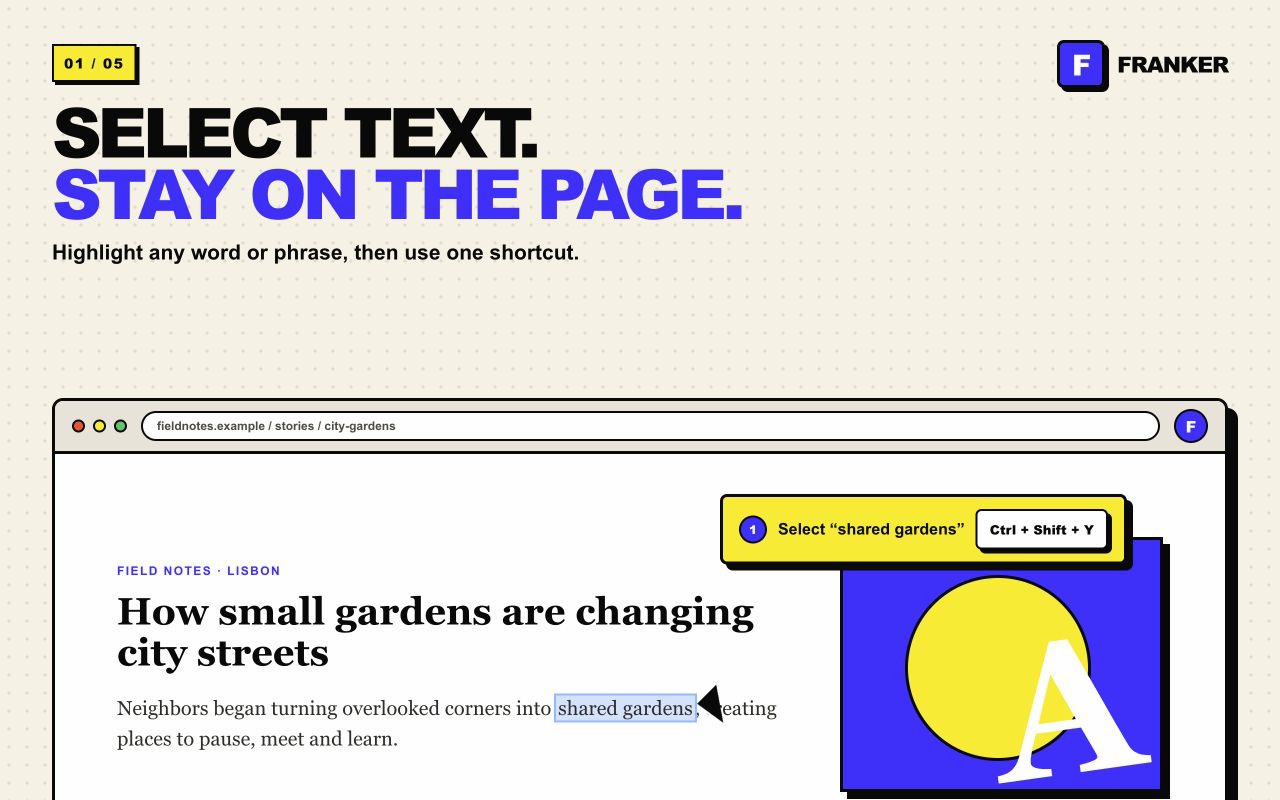
Select text and press Command/Ctrl + Shift + F.
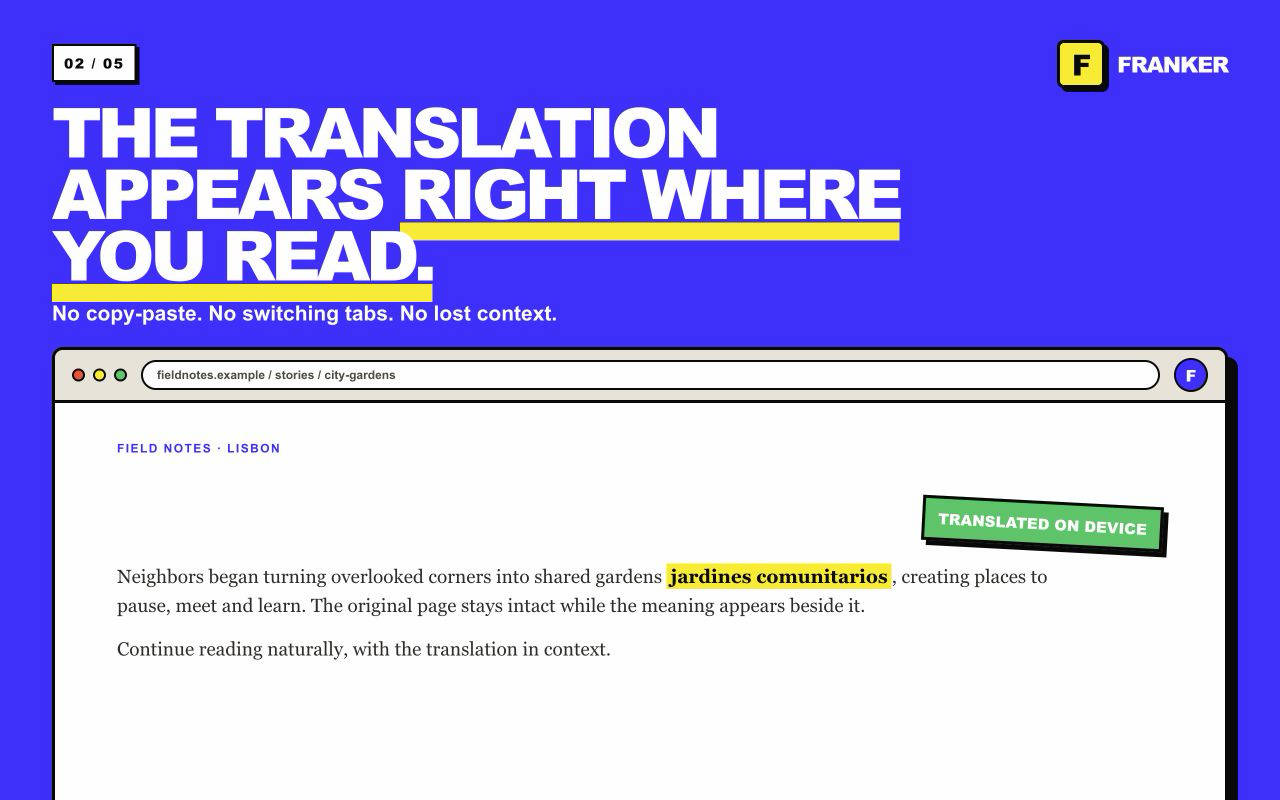
Select a word, sentence, or paragraph. Franker Translator places the translation beside the original text, using Chrome on-device translation by default or optional Google Cloud Professional Translation.
Free on-device translation · No account required
Read in context
Franker removes the usual tab switching and keeps the original and translation together on the page.
Select text and press Command/Ctrl + Shift + F.
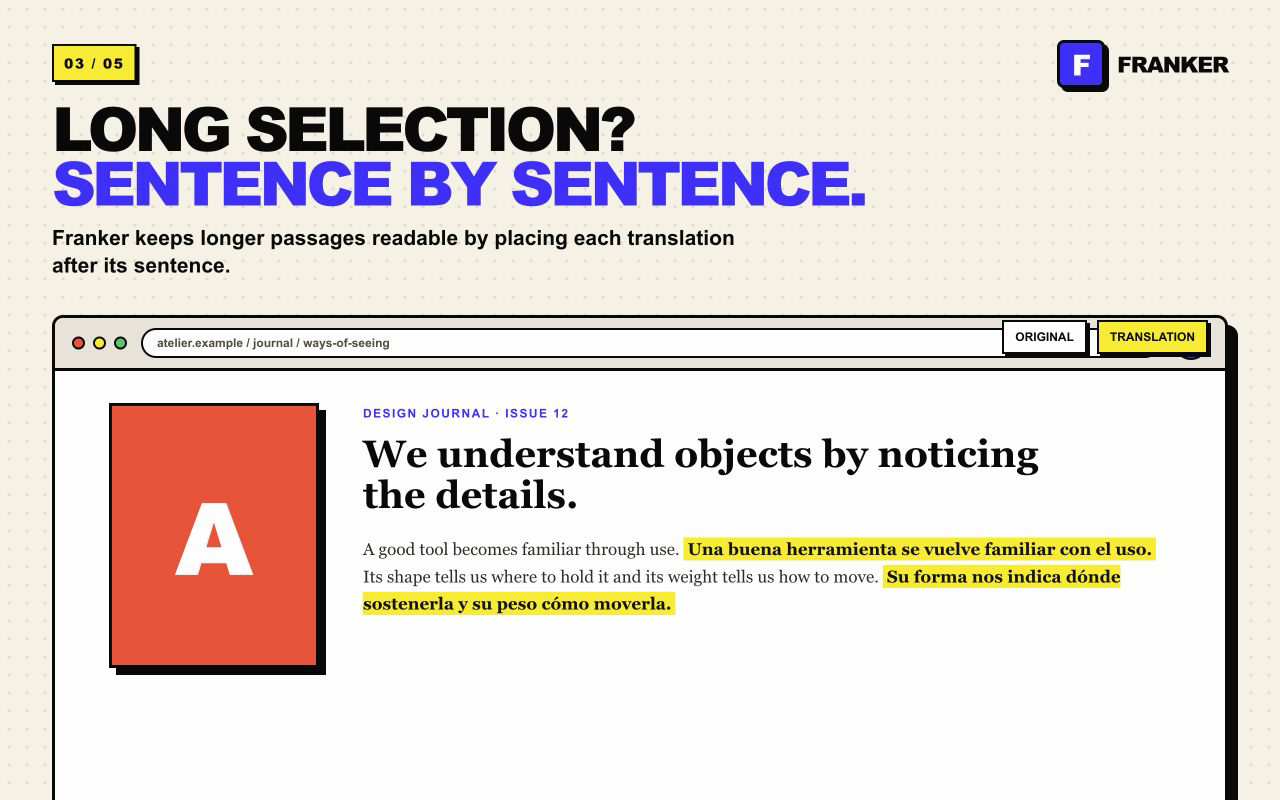
Short selections stay together; longer passages are translated sentence by sentence.
Keep reading, comparing, and learning without opening another service.
See Franker in action
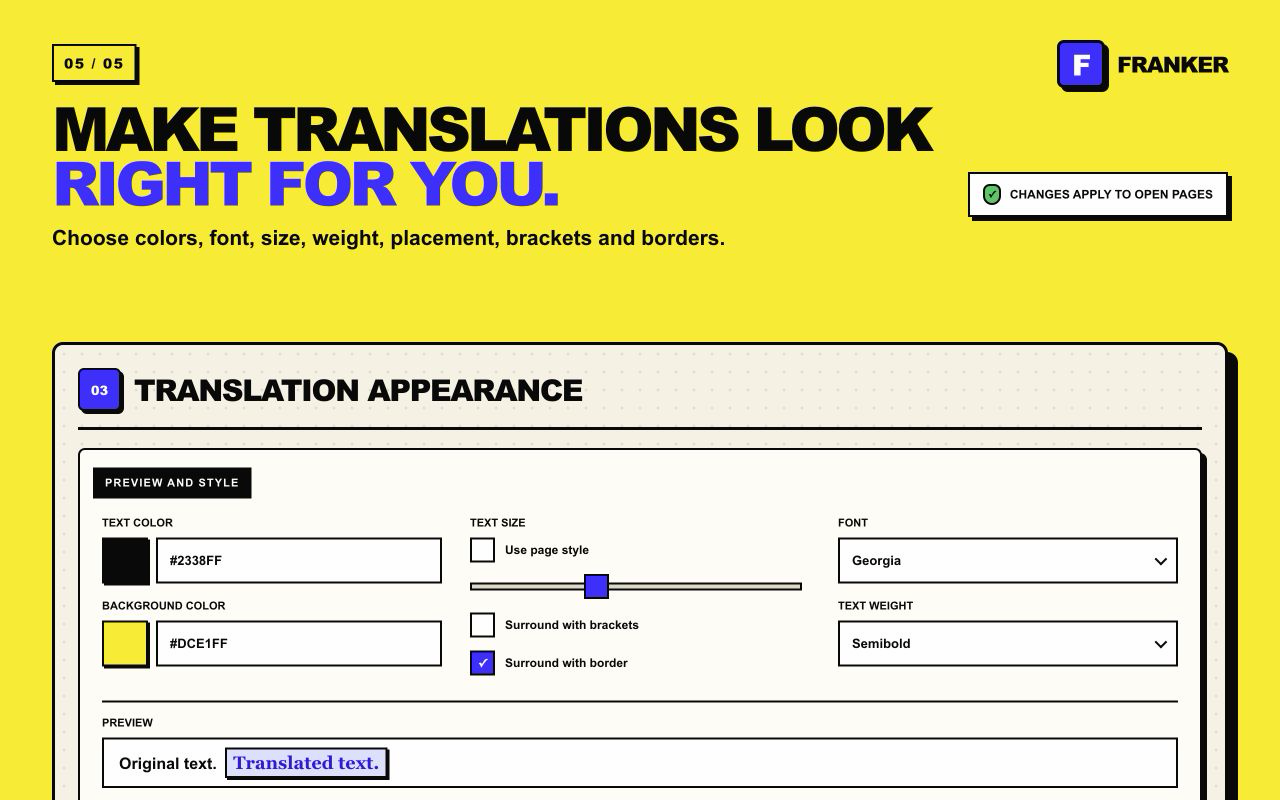
Use the shortcut, read the result inline, and adjust the appearance to suit any page.
Choose your translation mode
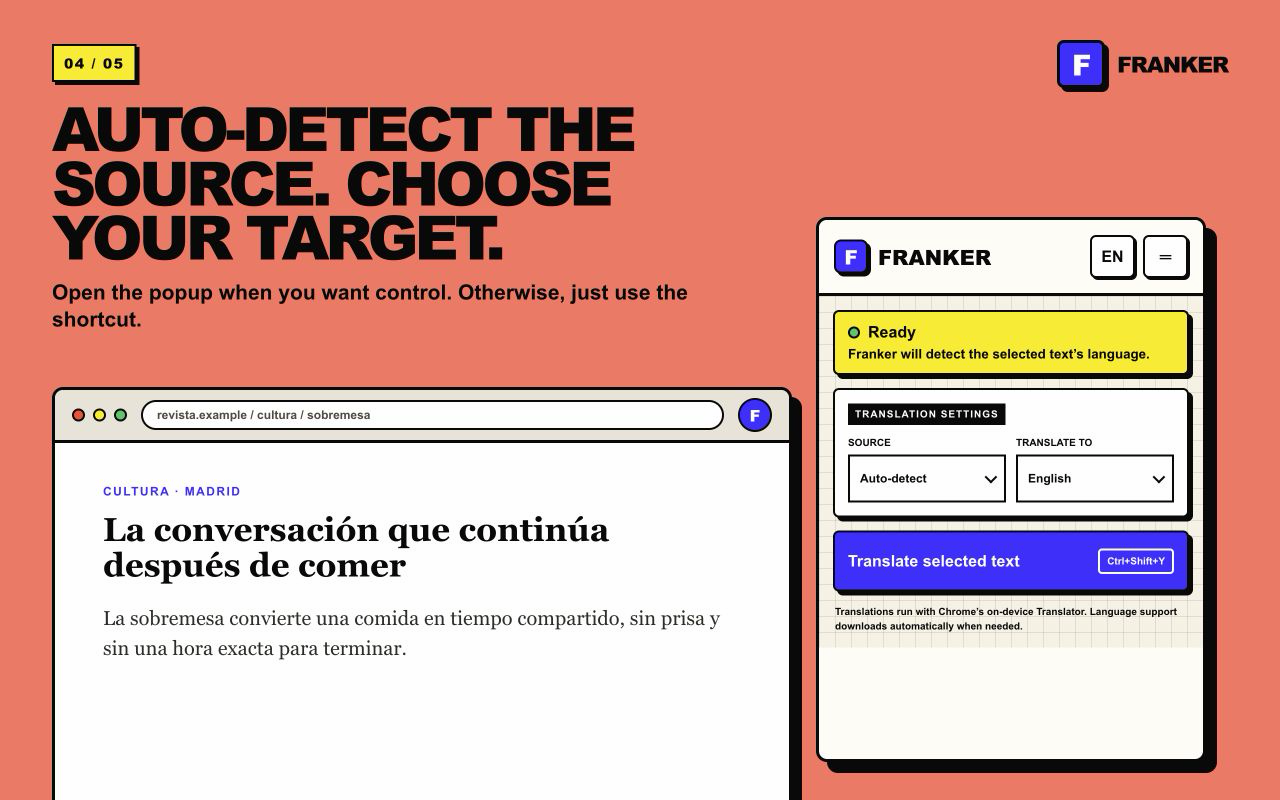
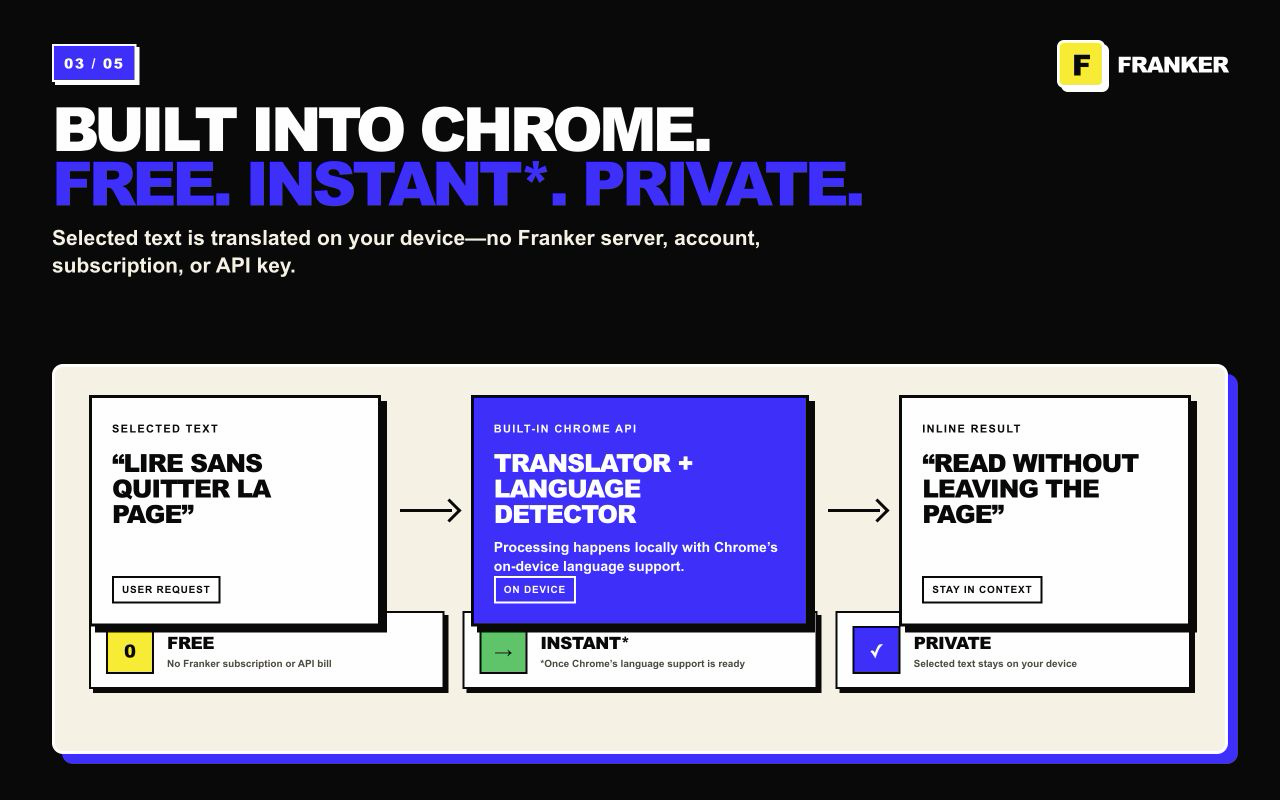
By default, Franker Translator uses Chrome's on-device Translator and Language Detector APIs, so selected text stays on your device. Professional Translation is an optional setting that uses your own Google Cloud Translation API key.
Make it yours
How it works
Add the extension from the Chrome Web Store. No sign-up is required.
Highlight anything you want to understand on a regular webpage.
Press Command/Ctrl + Shift + F and keep reading with the translation inline.
Support and documents
Read the product-specific Privacy Policy and Terms, or contact the studio if something does not work as expected.
Install Franker Translator and translate selected text without breaking your reading flow.
 Add Franker Translator to Chrome