Element Remover
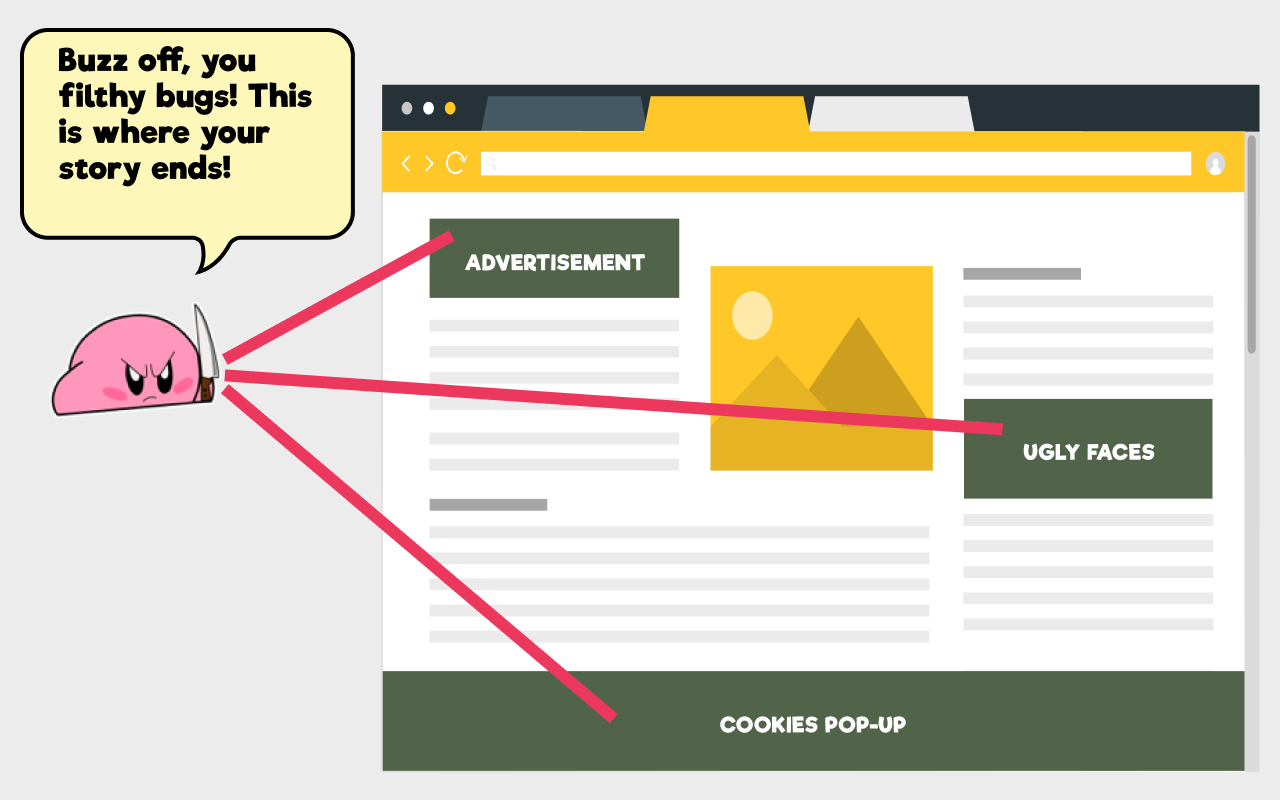
Remove unwanted parts of any website and keep them gone. Clean up ads, cookie popups, banners, overlays, sidebars, and other distractions without writing CSS.

Overview
Your version of the web, without the clutter
Select an unwanted page element once and Element Remover saves the rule for that website. The next time you return, your custom cleanup is applied automatically.
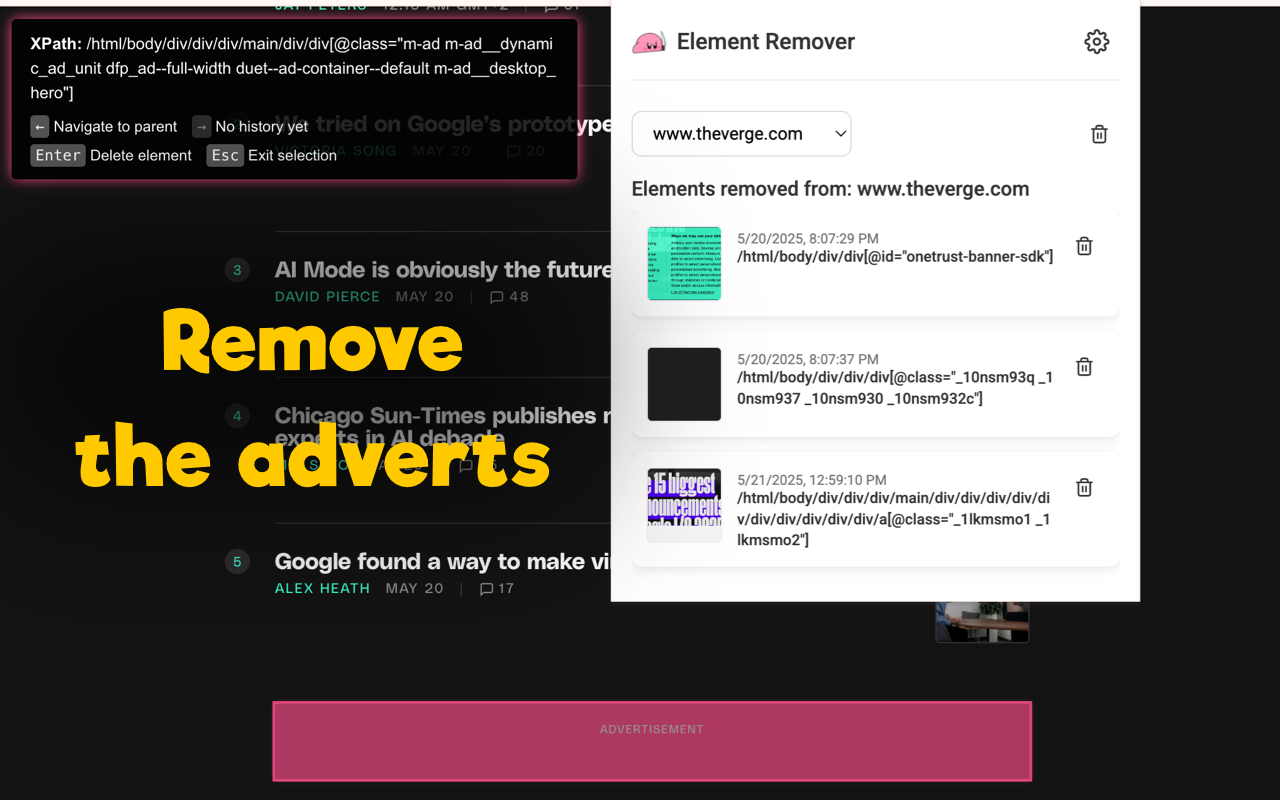
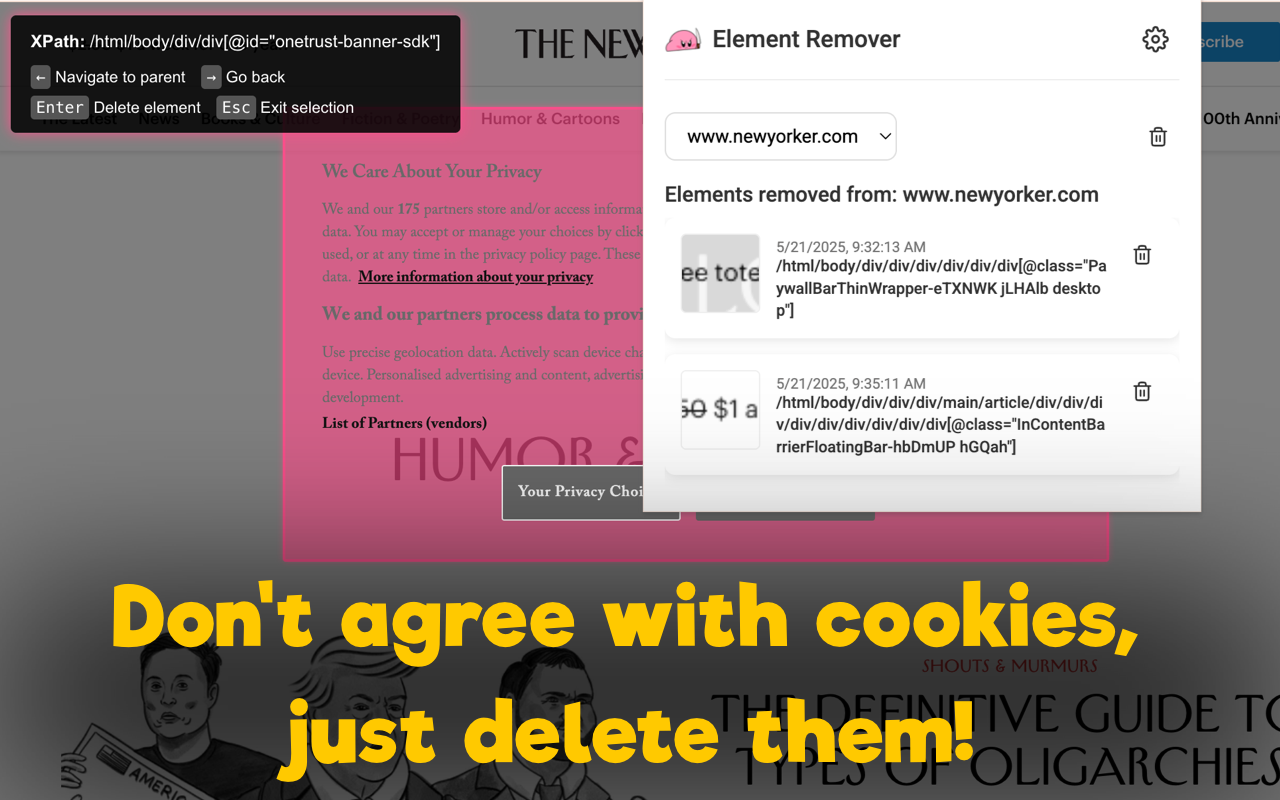
Hold Alt—or choose another key—hover over an unwanted element, and press Enter. No code or developer tools required.
Saved removal rules are reapplied automatically when you return to the same website.
Your rules stay locally in your browser, with no account, tracking, analytics, or cloud sync.
Screenshots
Remove the distractions that get in your way
Highlight exactly what you want to remove, then review or restore saved rules from the extension panel.

Features
Precise control, remembered automatically
How it works
Clean up a page in four quick steps
- Install the extension
Add Element Remover from the Chrome Web Store or Firefox Add-ons.
- Point to the distraction
Hold Alt—or your chosen activation key—and hover over the element you want to remove.
- Fine-tune the selection
Use the keyboard controls to move through the page structure until the right element is highlighted.
- Press Enter and keep it gone
The element disappears, and the saved rule is reapplied automatically on future visits.
Install
Available for Chrome and Firefox
Install Element Remover from the official browser extension stores.


Privacy
Your cleanup rules stay on your device
Element Remover does not collect, transmit, sell, or store your browsing data on external servers. There is no account, tracking, analytics, or cloud synchronization.
For questions, feedback, or bug reports, contact hello@benderbureau.com.